 Mobile App Development
 Artificial Intelligence
 Software Development
 Generative AI
 QA & Testing
 UI/ UX Design
 IoT App Development
 Cloud App Development
 MVP Development
 SEO Services
 AI Code Optimization
 AI Integration Services
 Food Delivery
 Taxi Booking
 E-Commerce
 Mobile Game
 Logistics
 Real Estate
 Healthcare
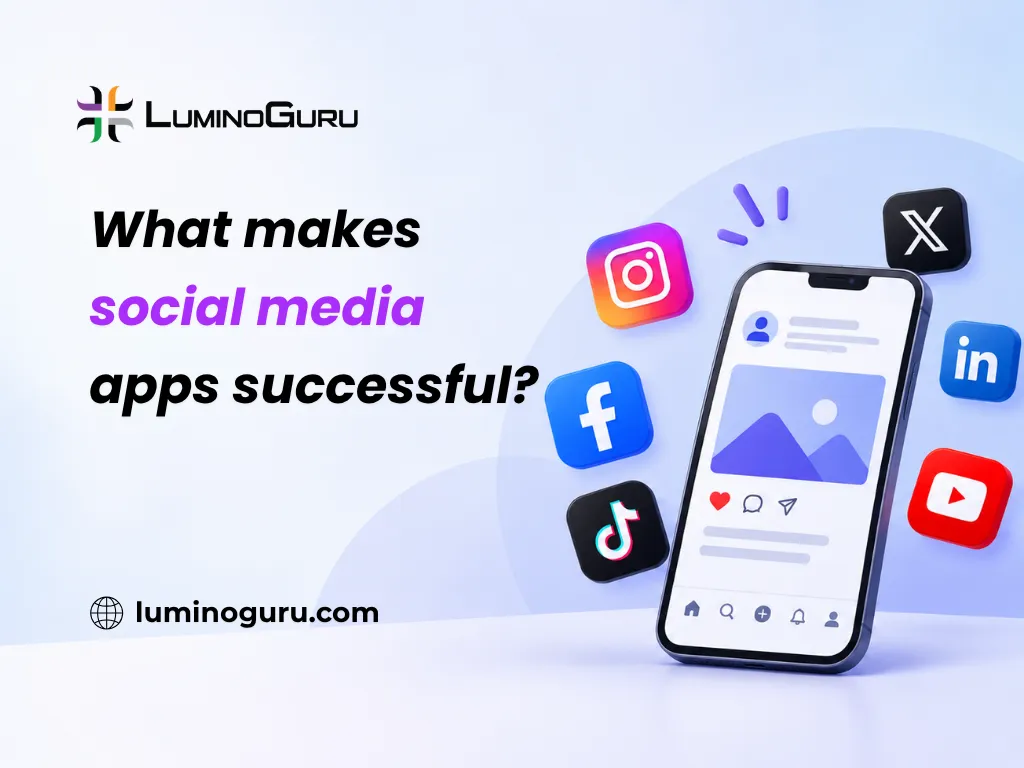
Social media apps succeed when they combine fast, personalized content, simple ways to connect and react, and small design choices that bring people back often. The strongest apps also pick one clear purpose, such as messaging, photo sharing or professional networking, instead of trying to do everything at once.
In this guide:
- Why some social media apps grow fast while others stall
- The core features most successful apps share
- The design patterns that keep people coming back
- How to prioritize features for a new app
- Where personalization and AI fit in
- Common mistakes that cause social apps to fail
- FAQs and takeaways
Why do some social media apps grow fast while others stall?
The apps that grow fast solve one problem well and make the core action effortless, whether that is messaging a friend, posting a photo or finding a job lead. Growth then comes from word of mouth, not just advertising.
According to DataReportal, there were about 5.81 billion social media user identities worldwide as of October 2026, close to 7 in 10 people on Earth. That scale means a small app does not need to serve everyone. It needs to serve one group of people better than the big platforms do for that one use case.
Three patterns show up again and again in apps that reach real scale.
They remove friction from the first five minutes
Sign up, find something interesting, and do the core action (message, post, follow) within the first session. Apps that ask for too much setup before showing value lose people fast.
They give people a reason to come back daily
This usually means new content, a message waiting, or a notification about something relevant. Daily use, not one big session, is what builds a habit.
They reward the people who create content
Apps like Medium pay or highlight writers. Instagram and YouTube built creator tools before most competitors did. When creators get value, they bring their own audience with them, which is far cheaper than paid growth.
What core features do most successful social apps share?
Most social apps share six building blocks: profiles, a content feed, ways to interact, messaging, notifications and privacy controls. The differences between apps come from how these are combined and tuned, not from inventing entirely new features.
Profiles and identity
A profile is how people present themselves and how others decide to connect. Depth varies by purpose. LinkedIn profiles focus on work history. Instagram profiles focus on a grid of photos. Keep the profile matched to what your app is actually for.
A feed or discovery system
The feed decides what people see, in what order. A chronological feed is simple and predictable. A ranked feed, as used by Facebook and Instagram, shows content it predicts you will engage with, which tends to raise time spent but can also surface lower quality content if not tuned carefully.
Likes, comments, shares and reactions
These are lightweight ways to respond, and they double as a popularity signal. A post with many likes gets shown to more people on ranked platforms, which is why these numbers matter so much to users and creators.
Messaging and direct communication
Many apps add private messaging even when the main feature is public content, because people want to move interesting conversations off the public feed. This also increases the time a person spends inside your app instead of switching to another one.
Notifications
Notifications bring people back, but overuse causes people to mute or uninstall. The apps that last tend to notify for things that matter to the individual, such as a reply or a mention, rather than generic activity updates.
Privacy and safety controls
Users need to control who sees their posts, who can message them, and how to block or report problems. This is not optional polish. Trust is a growth feature, because people share more when they feel safe doing so.
Which design patterns keep people coming back?
Three design patterns do most of the work: infinite scroll, unpredictable rewards from likes and comments, and read receipts that create social pressure to respond. Each works because it taps into a basic human response, not because of any single clever trick.
Infinite scroll
Infinite scroll removes the natural stopping point that a “next page” button used to create. Writers covering the topic, including a Gulf News special report on the mechanics of infinite scroll, describe it as removing the pause where a person would normally ask “should I keep going.” Without that pause, sessions run longer than people plan.
Use this carefully. A feed that never ends is good for engagement time, but a feed with no good content padded by infinite scroll just wastes people’s time and damages trust over the long run.
Unpredictable social rewards
Likes, comments and shares arrive at unpredictable times and in unpredictable amounts. This unpredictability, often described using the psychology term “variable reward,” is part of why checking a post after posting it feels compelling. It is the same mechanism behind habit-forming games and slot machines, so use it with a sense of responsibility toward your users.
Social pressure through visibility
WhatsApp added blue tick read receipts in 2014. Reporting from the time, including coverage by Silicon Republic, described the backlash: people read deep meaning into whether a message had been seen, and the feature changed how some people felt about their friends’ response times. The lesson for app builders is that small visibility features (read receipts, “last seen,” “typing…” indicators) change behavior strongly, for better or worse, so test them with real users before shipping widely.
How should you prioritize features for a new social app?
Start with the minimum needed to let two people have a good interaction, then add growth and retention features once that core works. Trying to launch with every feature from established platforms is the most common reason new social apps take too long to ship and still fail.
A practical order:
- Profiles and the core action your app is built around (post, message, match, review)
- A simple feed or list showing relevant content
- Reactions and comments
- Notifications for the few events that matter most
- Privacy and reporting tools
- Messaging, if it is not already the core action
- Personalization and ranking, once you have enough usage data to do it well
Skip these in version one unless they are your actual product: video calling, AI content generation, monetization tools, and advanced analytics dashboards. These add real value later but slow down your first launch without proving the core idea works.
A well-planned mobile app development process matters here because social apps live or die on speed. A feed that loads slowly or a message that takes seconds to send will lose users to a faster competitor, even if your feature list is better on paper.
Where does personalization and AI fit in?
Personalization can meaningfully improve how relevant a feed feels, but it depends on having real usage data, and it should never replace good design and safety basics. Many new apps try to add AI ranking before they have enough users to make it useful.
Facebook and Instagram’s ranked feeds use large amounts of behavioral data collected over years, which is hard for a new app to match on day one. A sensible path is to launch with a simple, predictable feed (chronological or lightly filtered), then introduce ranking once you have enough interaction data to test it properly. Personalizing too early, on too little data, usually produces a feed that feels random rather than smart.
If you plan to add AI-driven recommendations, moderation or content tools later, working with a team experienced in AI integration helps you add this without having to rebuild your core app.
What mistakes cause social apps to fail?
The most common mistakes are copying every feature from a big platform, ignoring moderation and safety until problems appear, and measuring success by downloads instead of repeat use.
- Building for everyone instead of one clear group of early users
- Launching without basic reporting and blocking tools, then scrambling once abuse appears
- Chasing vanity metrics like total downloads while daily active use stays low
- Adding infinite scroll and heavy notifications without content worth returning for
- Skipping proper testing on slow networks and older phones, where a large share of first-time users often are
- Underestimating backend load. Social apps generate many small, frequent requests (likes, messages, notifications), so a weak cloud application development setup can slow down or crash under real usage long before the user base feels large
Careful software quality assurance testing before launch catches most of these problems. Test real conversations, real notification volume and real network conditions, not just a clean demo on office Wi-Fi.
Frequently asked questions
What is the most important feature in a social media app?
There is no single universal feature. The most important thing is a core action, such as messaging or posting, that works fast and reliably. Everything else, including feeds and notifications, should support that one action well before you add more.
Should a new social app copy Instagram or Facebook’s features?
No. Copying a mature platform’s full feature set usually slows down your launch without matching its network effects. Build the smallest version that lets your specific audience do one thing well, then add features based on what users actually ask for.
Does infinite scroll always help engagement?
It increases time spent when there is enough good content to fill it. Without strong content, infinite scroll just exposes users to low quality posts for longer, which can hurt trust and retention instead of helping it.
How important is personalization for a new social app?
Less important than founders often assume. Personalization needs real usage data to work well, so a new app with few users should launch with a simple, predictable feed and add ranking once enough interaction data exists to make it accurate.
What causes most social media apps to fail?
Weak retention is the usual cause: people try the app once and do not come back. This is often linked to a core action that feels slow or unclear, missing safety tools, or chasing download numbers instead of daily repeat use.
How long does it take to build a basic social media app?
Timelines vary by scope, so get a specific estimate for your feature list rather than relying on a general number. A focused first version with profiles, a feed, basic interactions and messaging takes meaningfully less time than a full platform with ranking, live video and monetization built in.
Takeaways
Successful social media apps are built around one core action that works well, supported by a small set of proven features: profiles, a feed, lightweight reactions, messaging, careful notifications and real privacy controls. Design patterns like infinite scroll and social visibility features are powerful, so use them with real care for your users rather than just to maximize time spent.
If you are planning a social app and want help scoping the first version, the Luminoguru team is happy to talk it through on the contact page.