 Mobile App Development
 Artificial Intelligence
 Software Development
 Generative AI
 QA & Testing
 UI/ UX Design
 IoT App Development
 Cloud App Development
 MVP Development
 SEO Services
 AI Code Optimization
 AI Integration Services
 Food Delivery
 Taxi Booking
 E-Commerce
 Mobile Game
 Logistics
 Real Estate
 Healthcare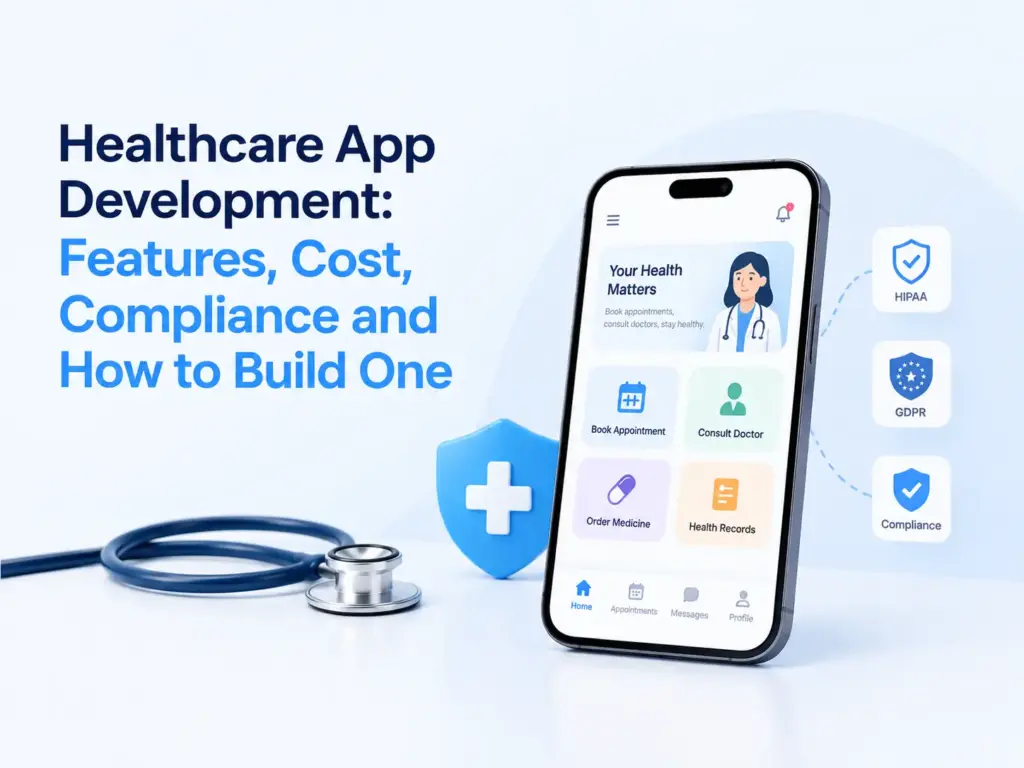
Healthcare app development is the process of planning, designing, building and launching a mobile or web app that handles patient care, health data or clinical workflows. It includes choosing a platform, meeting HIPAA and similar rules, and building features like appointment booking, secure messaging or remote monitoring, tested and launched safely.
Last updated: September 2026. Written by [AUTHOR NAME].
The mHealth apps market was worth an estimated $45.14 billion in 2026 and is projected to reach $113.2 billion by 2034, a CAGR of 11.80%, according to Fortune Business Insights. Different research firms report different numbers for this market, since methods vary, but all of them point the same way: healthcare apps keep growing.
This guide covers what a healthcare app actually needs, what HIPAA requires in plain language, a real build process, a tech stack, and honest cost and timeline ranges. It also covers where these projects usually go wrong, since that matters more than any feature list.
What features does a healthcare app actually need?
It depends on who uses the app, a patient, a doctor or an admin, so features split cleanly by role rather than sitting in one long list.
Patient side features cover account creation with identity verification, appointment booking, secure messaging with a provider, medication reminders, access to test results and records, and a way to pay a bill.
Provider side features cover a dashboard showing the day’s appointments, access to patient history, e-prescribing, and a way to document a visit quickly between patients.
Admin side features cover user and role management, audit logs showing who accessed what and when, billing and insurance handling, and basic reporting.
Two features are often skipped and shouldn’t be. Offline support matters if the app is used in a clinic with weak WiFi. And an audit trail, a record of every time patient data is viewed or changed, is not optional if you’re subject to HIPAA. It also makes debugging a lot easier later.
What healthcare apps should you build?
The right feature set depends heavily on which type of app you’re building. Here’s how the main categories differ.
| App type | Core purpose | Who uses it | Regulatory weight |
|---|---|---|---|
| Patient portal | View records, book visits, message a provider | Patients | High, handles PHI directly |
| Telehealth | Video visits with a doctor | Patients and providers | High, video and PHI both apply |
| Remote patient monitoring | Track vitals from a device, alert on anomalies | Patients and care teams | High, continuous data collection |
| Health and wellness | Fitness, diet, sleep tracking | General consumers | Lower, unless it syncs with a provider |
| Practice management | Scheduling, billing, staff workflow | Clinics and hospitals | Medium to high |
A wellness app that never touches a clinician’s system has an easier compliance path than one that syncs data to an electronic health record. Know which category you’re in before you scope features, since it changes your architecture, not just your feature list.
What does HIPAA actually require for a healthcare app?
If your app collects, stores or transmits protected health information (PHI) for a US covered entity, HIPAA applies, and you need administrative, physical and technical safeguards in place. This is general information, not legal advice.
In practice, the technical side means encrypting PHI at rest and in transit, restricting access to only the people who need it, and keeping detailed audit logs. You also need a Business Associate Agreement (BAA) with any vendor that touches PHI, cloud hosting included. AWS, Google Cloud and Microsoft Azure all offer HIPAA eligible services and will sign a BAA, but only for specific services, so check which ones are covered before you build on them.
A common misunderstanding: HIPAA doesn’t require a specific technology. It requires that PHI stays protected, however you achieve that. A wellness app that never shares data with a doctor or insurer often doesn’t need to be HIPAA compliant at all, but confirm this with a compliance advisor for your specific case rather than assuming.
If you’re building for the EU, GDPR applies instead, or alongside HIPAA if you serve both markets, and its consent and data portability rules are stricter in places.
How do you build a healthcare app, step by step?
- Define the problem and the user first. A booking app for a single clinic and a remote monitoring platform for a hospital chain need completely different architectures. Get specific before anything else.
- Map your compliance requirements. Confirm whether HIPAA, GDPR or both apply, and what data you’ll actually be handling. This shapes your technical decisions from day one.
- Scope a real MVP. Pick the smallest version that solves the core problem: booking, messaging, records access, whichever matters most. Save advanced features like AI triage or wearable integration for a later phase.
- Design around clarity. Healthcare users are often stressed, unwell or unfamiliar with apps. Simple navigation and large, clear buttons matter more here than in most other app categories.
- Build with security from the start. Encryption, access control and audit logging need to be part of the architecture, not something added right before launch.
- Test beyond function. Check what happens with a dropped connection during a video visit, or a failed prescription sync. Run a security review, not just a feature review.
- Launch with one group, then expand. Start with one clinic or one patient group rather than a full rollout. Watch real usage, fix what breaks, and scale from there.
What tech stack works for healthcare apps?
| Layer | Common choices |
|---|---|
| Mobile app | Flutter, React Native, Swift, Kotlin |
| Backend | Node.js, Python, Java |
| Database | PostgreSQL, MongoDB, with encryption at rest |
| Cloud hosting | AWS, Google Cloud, Azure, all with HIPAA eligible services |
| Video for telehealth | Twilio, Vonage, or a HIPAA compliant video API |
| Data standards | HL7, FHIR for exchanging records with other systems |
| Authentication | OAuth 2.0, multi factor authentication |
| AI and analytics | Python, TensorFlow, cloud AI services |
FHIR matters if you need to exchange data with hospital systems or other apps. Skip it if you’re building a standalone wellness app with no integration needs, since it adds real complexity for no benefit in that case.
How much does it cost to build a healthcare app, and how long does it take?
| App complexity | Estimated cost | Rough timeline |
|---|---|---|
| Basic MVP (booking, messaging, records view) | $20,000 to $45,000 | 3 to 4 months |
| Mid level platform (provider dashboard, e-prescribing, billing) | $45,000 to $100,000 | 5 to 8 months |
| Advanced platform (telehealth, remote monitoring, AI features, EHR integration) | $100,000 to $200,000+ | 9 months or more |
These are general planning estimates based on current market rates, not a fixed quote [VERIFY against your specific scope].
What moves these numbers the most: how many user roles you support, whether you integrate with an existing EHR system, how much compliance work your market requires, and whether AI features are part of the first version or added later. Integration work with hospital systems specifically tends to run longer than teams expect, since every hospital’s setup is a little different.
What mistakes do healthcare app projects make?
The most common one is treating compliance as a checklist to complete right before launch, rather than something that shapes the architecture from day one. Retrofitting encryption and access control after the fact is expensive and often incomplete.
Overbuilding the MVP is close behind. Teams add AI symptom checkers, wearable sync and multi language support before they’ve confirmed the core booking or messaging flow actually works for real users.
Designing for a healthy, tech comfortable user is another gap. Real users include elderly patients, people managing chronic pain, and people using the app during a stressful moment. Test with people outside your own team.
Skipping a BAA with a vendor because “it’s just a small tool” creates real legal exposure. If a vendor ever touches PHI, get the agreement in place before integration, not after.
Should you build native, cross platform, or a web app first?
Cross platform frameworks like Flutter or React Native work well for most healthcare apps and cost less than building separately for iOS and Android. Choose fully native only when you need deep integration with device sensors, like a wearable or a specific medical device SDK, since cross platform tools sometimes lag on that kind of access.
A responsive web app is a reasonable place to start for a provider dashboard or admin panel, since clinic staff mostly use it on a desktop or tablet anyway. Save the native mobile build for the patient facing side, where people expect an app on their phone.
Key takeaways
Start with one clear user and one clear workflow, not a full feature list. Map your HIPAA or GDPR requirements before you design anything, since compliance shapes architecture more than it shapes the UI. Cross platform frameworks cover most needs, and AI features are worth adding after launch, once real usage data exists to guide them.
If you’re scoping a healthcare app and want a clear view of features, compliance and cost for your specific case, our healthcare app development team can walk through it with you. For a first version built lean, MVP development services is the right starting point, and our AI development services team can help once you’re ready to add smart features.
If you’d like to talk through your specific project.
Frequently asked questions
How much does it cost to build a healthcare app?
A basic MVP with booking and messaging typically runs $20,000 to $45,000. A mid level platform with provider tools and billing runs $45,000 to $100,000, and an advanced platform with telehealth, monitoring and AI features can run $100,000 to $200,000 or more, depending on integration needs.
Does every healthcare app need to be HIPAA compliant?
Only if it collects, stores or transmits protected health information for a covered entity in the US. A general wellness or fitness app that never shares data with a clinician or insurer often falls outside HIPAA, but confirm this with a compliance advisor for your specific situation before assuming either way.
How long does it take to build a healthcare app?
A focused MVP usually takes 3 to 4 months. A mid level platform with provider tools takes 5 to 8 months, and an advanced platform with EHR integration and AI features can take 9 months or longer, largely depending on integration complexity.
Do I need to integrate with electronic health records (EHR) systems?
Only if your app needs to exchange data with hospitals or clinics that already use an EHR. This adds real complexity through HL7 or FHIR standards, so confirm it’s actually required before committing to it in your first version.
Should AI features be part of the first version?
Usually not. Get the core booking, messaging or monitoring workflow solid first. AI features like symptom triage or personalized recommendations work better once you have real usage data, and adding them later carries far less risk than building everything at once.
What is the biggest technical challenge in healthcare app development?
Keeping data secure and available at the same time. Strong encryption and access control cannot come at the cost of a provider being able to pull up a patient’s record quickly during an appointment, and getting that balance right takes real planning, not just good intentions.
Source: Fortune Business Insights, mHealth Apps Market. For HIPAA requirements directly from the regulator, see the HHS HIPAA Security Rule guidance.