 Mobile App Development
 Artificial Intelligence
 Software Development
 Generative AI
 QA & Testing
 UI/ UX Design
 IoT App Development
 Cloud App Development
 MVP Development
 SEO Services
 AI Code Optimization
 AI Integration Services
 Food Delivery
 Taxi Booking
 E-Commerce
 Mobile Game
 Logistics
 Real Estate
 Healthcare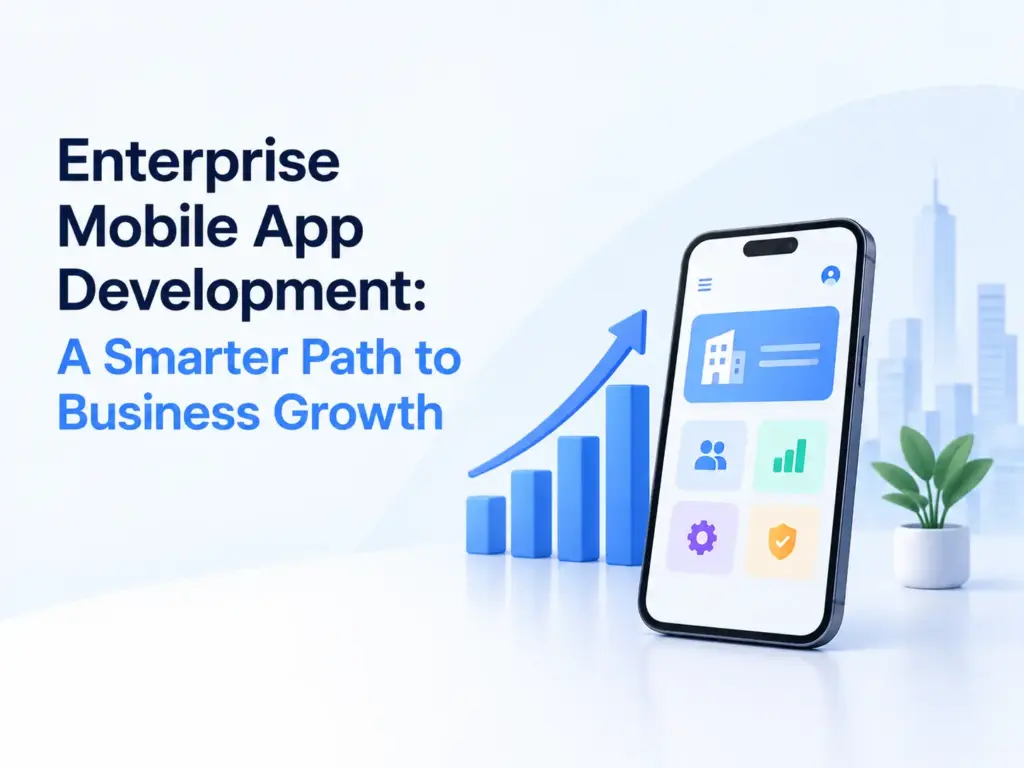
Enterprise mobile app development is the process of building a custom mobile app for internal company use, built to connect with existing business systems like ERP, CRM or HR software, secured for a managed workforce rather than the general public. It differs from consumer app development mainly in its security, integration and device management requirements.
The mobile enterprise application market is projected to grow from $141.83 billion in 2026 to $220.41 billion by 2030, an 11.7% CAGR, according to The Business Research Company.
This guide covers when a custom app actually makes sense over off the shelf software, what real security requirements look like, a genuine build vs buy decision, and honest cost ranges. It skips the generic benefit lists most articles on this topic lean on.
When does a business actually need a custom enterprise app?
Build custom when your workflow is specific enough that off the shelf tools force your team to work around the software instead of the other way around. Buy or configure existing platforms when your need is common and well served already.
A few signals point toward custom development. Your field teams need offline access to data that syncs once they’re back online, a use case most generic tools handle poorly. Your process spans multiple internal systems that don’t talk to each other today, and a custom app is what bridges them. Or your compliance requirements, in healthcare or finance for example, need data handling that generic SaaS tools aren’t built for in your specific market.
If none of those apply, a configured version of an existing platform, Salesforce, Microsoft Dynamics, or a workflow tool like Notion or Monday, usually gets you there faster and cheaper than a custom build.
What types of enterprise mobile apps are there?
| Type | What it does | Common examples |
|---|---|---|
| Communication and collaboration | Messaging, video calls, shared workspaces | Internal chat, video conferencing tools |
| CRM | Manages customer and sales data on the move | Field sales apps, support ticket tools |
| Project and task management | Assigns work, tracks progress | Sprint boards, task assignment apps |
| ERP | Connects finance, inventory, HR and operations in one system | Procurement, inventory tracking |
| Business intelligence | Puts dashboards and reports on mobile | Executive dashboards, sales reporting |
| HR and workforce management | Leave, attendance, training, payroll access | Employee self service apps |
Most enterprise app projects combine two or three of these rather than building a single purpose tool, since a field sales app, for instance, usually needs CRM data, basic reporting and secure messaging all in one place.
What features does an enterprise mobile app need?
Beyond the basics of login and navigation, three things separate a genuinely useful enterprise app from a weak one: real integration, real offline support, and real role based access.
Integration with existing systems needs to go beyond a one way data pull. If a field technician updates a job status in your app, that change should reflect in your ERP or ticketing system immediately, not after a nightly batch sync. This is usually the most underestimated part of scoping, and it’s where timelines slip most often.
Offline support matters more in enterprise apps than consumer ones, since field workers, warehouse staff and technicians often work in areas with poor connectivity. The app needs to let them keep working, then sync cleanly once a connection returns, without creating duplicate or conflicting records.
Role based access control decides who can see and do what, down to the level of a specific report, a specific customer record, or a specific approval step. This needs to be designed early, since retrofitting granular permissions onto an app built without them is expensive.
Native, cross platform, or PWA: which should you choose for an enterprise app?
| Approach | Best fit | Trade off |
|---|---|---|
| Native (Swift, Kotlin) | Apps needing deep device integration, like barcode scanners or specific hardware | Separate codebases for iOS and Android, higher cost |
| Cross platform (Flutter, React Native) | Most enterprise apps, where speed and one codebase matter more than deep hardware access | Occasional friction with very device specific features |
| Progressive web app | Simple internal tools, dashboards, forms, where installing a native app isn’t worth the friction | Weaker offline support and no access to native device features |
Most enterprise apps are well served by a cross platform build. Reserve native development for apps that genuinely need deep integration with device hardware, like a warehouse scanning app or a point of sale terminal. A PWA is worth considering for a simple internal dashboard that doesn’t need offline support or native device access, since it skips app store distribution entirely.
How do you secure an enterprise mobile app?
Security for an enterprise app centers on four things: identity, device management, encryption, and access control, applied together rather than as separate add ons.
Single sign on through your existing identity provider, Okta, Azure AD or similar, means employees use one company login rather than a separate password for every internal tool, and it lets IT revoke access instantly when someone leaves. Mobile device management lets your IT team enforce security policies, like requiring a passcode or remotely wiping a lost device, especially important if your company allows personal devices for work. Encrypt data both in transit and at rest, and don’t treat this as optional even for internal tools, since internal data is still a real target. And apply role based access control down to the data level, not just which screens someone can see.
A Zero Trust approach, verifying every request regardless of whether it comes from inside or outside your network, is increasingly the standard for enterprise apps handling sensitive data, rather than assuming anything inside the corporate network is automatically safe.
How do you build an enterprise mobile app, step by step?
- Define the specific workflow problem you’re solving, and confirm it’s not already solved well by an existing platform your company could configure instead.
- Map every system the app needs to connect to, your ERP, CRM, HR software, and confirm what data needs to flow in which direction, and how often.
- Scope a focused first version. Pick the one or two workflows that matter most, rather than trying to replace every manual process in the first release.
- Design around the actual users, which for enterprise apps often means field workers, warehouse staff or support teams using the app on the move, not office staff at a desk.
- Build integrations and security in parallel with core features, not after. Retrofitting SSO or proper API integration onto a finished app is expensive and often incomplete.
- Test with real users doing real tasks, including under poor connectivity if offline use matters for your workflow.
- Roll out to one team or department first, gather feedback, then expand. A company wide rollout on day one makes it much harder to catch and fix real usage problems early.
How much does it cost to build an enterprise mobile app, and how long does it take?
| App complexity | Estimated cost | Rough timeline |
|---|---|---|
| Simple (single workflow, basic integration) | $50,000 to $85,000 | 3 to 6 months |
| Medium (multiple integrations, role based access) | $85,000 to $200,000 | 6 to 9 months |
| Complex (ERP level integration, AI features, multi region) | $200,000 to $400,000+ | 9 to 12 months or more |
These are general planning estimates based on current market rates, not a fixed quote. The biggest cost driver isn’t the UI, it’s integration work: the more systems your app needs to talk to, and the more real time that connection needs to be, the more engineering time it takes.
Ongoing costs matter too. Budget for maintenance, security updates and support after launch, not just the initial build, since an enterprise app connected to live business systems needs continued attention as those systems change.
What mistakes do enterprise app projects make?
The most common one is building a custom app for a workflow that an existing platform already handles well, at a fraction of the cost and timeline. Confirm this isn’t the case before committing to a custom build.
Underscoping integration work is close behind. Teams often treat API integration as a late stage task, then discover the actual data flows are more complex than assumed, which pushes the timeline out significantly.
Designing for office staff instead of the real end user is another gap, especially for apps meant for field or warehouse workers. An app that assumes a strong WiFi connection and a large screen fails the moment it meets its actual users.
And skipping a phased rollout causes problems that are expensive to unwind. Launching to the whole company at once means any usability issue or workflow mismatch affects everyone immediately, rather than a smaller group you can learn from first.
Should you build custom, or use a low code platform?
Low code platforms like Microsoft Power Apps or OutSystems work well for simpler internal tools, forms, basic workflows, and situations where speed matters more than deep customization. A custom build makes more sense once your requirements involve complex integrations, specific security needs, or a user experience that a low code platform’s templates can’t support well.
The trade off is real in both directions. Low code gets you live faster and needs less specialized engineering, but you’ll hit a ceiling on customization and performance as requirements grow. A custom build costs more upfront but gives you full control over integration depth, security design and long term scalability. Our custom software development team usually starts this conversation by mapping your actual integration needs, since that’s what decides which path makes sense more than anything else.
Frequently asked questions
How much does enterprise mobile app development cost?
A simple app with one core workflow typically costs $50,000 to $85,000. A medium complexity app with multiple integrations runs $85,000 to $200,000, and a complex app with deep ERP integration or AI features can cost $200,000 to $400,000 or more, depending on scope.
What’s the difference between enterprise and consumer mobile apps?
Enterprise apps are built for a managed, known user base rather than the public, with heavier requirements around system integration, device management, and role based access control. Consumer apps focus more on broad appeal and app store discovery, while enterprise apps focus on fitting into an existing business workflow securely.
Should I build native or cross platform for an enterprise app?
Cross platform frameworks like Flutter or React Native cover most enterprise use cases well and cost less than building separately for iOS and Android. Choose native only if your app needs deep integration with specific device hardware, like a barcode scanner or specialized sensor.
Do I need mobile device management for an enterprise app?
If your app handles sensitive company data and runs on devices that could be lost, stolen, or used outside the office, yes. MDM lets your IT team enforce security policies and remotely wipe a device if needed, which matters more once personal devices are involved.
Is a low code platform good enough for enterprise apps?
For simpler internal tools and basic workflows, often yes. For apps needing complex integrations, custom security requirements, or a tailored user experience, a low code platform’s templates usually become a limitation rather than a shortcut.
How long does it take to build an enterprise mobile app?
A simple app with one core workflow usually takes 3 to 6 months. A medium complexity app with multiple integrations takes 6 to 9 months, and a complex app with deep system integration or AI features can take 9 to 12 months or longer.
Key takeaways
Confirm a custom build is actually needed before committing to one, since an existing platform configured well often solves the problem faster and cheaper. When you do build custom, scope integration work honestly from day one, since that’s what decides your real timeline and cost, not the interface.
If you’re scoping an enterprise app and want a clear view of integration complexity and cost for your specific workflow, our mobile app development team can walk through it with you. For apps needing LLM powered search or automation on top of existing systems, our AI development services team can scope that layer separately once the core workflow is solid. Get in touch if you’d like to talk through your project.