 Mobile App Development
 Artificial Intelligence
 Software Development
 Generative AI
 QA & Testing
 UI/ UX Design
 IoT App Development
 Cloud App Development
 MVP Development
 SEO Services
 AI Code Optimization
 AI Integration Services
 Food Delivery
 Taxi Booking
 E-Commerce
 Mobile Game
 Logistics
 Real Estate
 Healthcare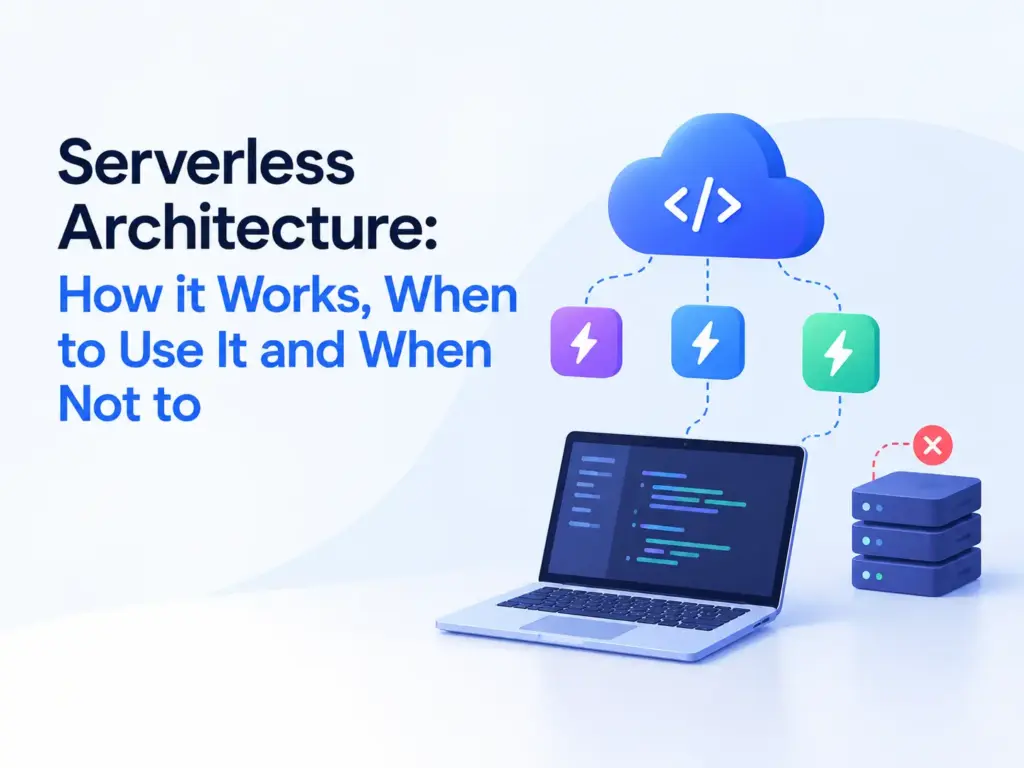
Serverless architecture is a cloud model where a provider like AWS, Azure or Google Cloud runs your backend code on demand, automatically managing the servers underneath. You write functions, define what triggers them, and pay only for the compute time they actually use, with scaling handled by the provider instead of your team.
The serverless computing market is projected to grow from around $32.6 billion in 2026 to $91.6 billion by 2031, a CAGR of about 22.9%, according to Mordor Intelligence.
This guide covers how serverless actually works, honest cost and scaling trade offs, a real tool comparison, and the situations where it’s genuinely the wrong choice. That last part matters more than most articles on this topic admit.
What is serverless architecture?
Serverless architecture runs your application code as individual functions that execute only when triggered, with the cloud provider handling servers, scaling and availability behind the scenes. The name is a bit misleading since servers obviously still exist, they’re just not something your team provisions or patches.
This is usually delivered as Function as a Service, or FaaS. AWS Lambda, Azure Functions and Google Cloud Functions are the three major implementations. You write a function, attach it to a trigger like an HTTP request or a file upload, and the platform runs it in an isolated container that spins up and down as needed.
How does serverless computing actually work?
A request or event triggers a function, the provider spins up (or reuses) a container to run it, the function executes, and the result gets returned, with the container shutting down shortly after if nothing else calls it.
Here’s the flow in practice. A developer writes a function that handles one specific job, say, resizing an uploaded image. They attach an event source, commonly an HTTP request through an API gateway, a file landing in cloud storage, or a message on a queue. When that event fires, the provider checks whether a warm container already exists for that function. If one does, it runs immediately. If not, the provider starts a new one, which takes a moment, known as a cold start. The function runs, returns its result, and the container stays alive briefly in case another request arrives soon, then gets torn down if it doesn’t.
That cold start detail matters more than most introductions to serverless let on, and it’s worth understanding before you commit to the model for anything latency sensitive.
What are the real benefits of serverless architecture?
The two consistent benefits are cost efficiency for variable workloads and not having to manage server infrastructure yourself. Everything else follows from those two.
You pay for actual execution time, not for a server sitting idle waiting for traffic. For an application with unpredictable or spiky usage, a support ticket system that’s quiet most of the day and busy during business hours, for example, this can meaningfully lower your infrastructure bill compared to running dedicated servers around the clock.
Scaling is automatic and near instant. If your function suddenly needs to handle a thousand concurrent requests, the provider spins up that many container instances without you configuring auto scaling rules or load balancers yourself.
Deployment is fast, since you’re shipping individual functions rather than redeploying a whole application server. This suits teams that ship small, frequent changes rather than large periodic releases.
And your team spends less time on infrastructure maintenance, patching operating systems, managing capacity, handling failover, since the provider owns that layer entirely.
Serverless vs containers vs traditional servers: which should you use?
| Factor | Traditional servers | Containers (Kubernetes) | Serverless (FaaS) |
|---|---|---|---|
| Who manages infrastructure | You | You, with more automation | The cloud provider |
| Scaling | Manual or scripted | Automated, but you configure it | Automatic, provider handled |
| Billing | Pay for server uptime | Pay for cluster resources | Pay per execution |
| Cold start delay | None | Minimal if pre warmed | Present, seconds on first call |
| Best fit | Predictable, steady load | Complex apps needing full control | Event driven, variable load |
| Long running processes | Well suited | Well suited | Poorly suited, execution time limits apply |
Containers sit in between the other two. You get more portability and control than serverless, without the full operational overhead of managing bare servers. If your workload runs consistently at a predictable volume, standard servers or containers usually work out cheaper than serverless, since serverless pricing per execution can add up at high, sustained volume.
Which serverless platform should you choose?
For most teams already on a major cloud provider, use that provider’s own FaaS service rather than adding a separate vendor. AWS Lambda if you’re on AWS, Azure Functions if you’re on Azure, Google Cloud Functions if you’re on Google Cloud.
| Platform | Good fit | Trade off |
|---|---|---|
| AWS Lambda | Teams already using AWS services like S3 and DynamoDB | Largest ecosystem, but AWS specific configuration to learn |
| Azure Functions | .NET and Microsoft stack teams | Strong Visual Studio integration, smaller community than AWS |
| Google Cloud Functions | Teams using Google Cloud or Firebase | Simpler setup, fewer advanced features than Lambda |
| Cloudflare Workers | Latency sensitive apps needing edge execution | Very fast cold starts, but a more limited runtime environment |
Cloudflare Workers is worth a separate mention. It runs on Cloudflare’s edge network rather than centralized regions, which gives it close to instant cold starts, a real advantage if low latency matters more than deep integration with a specific cloud’s other services.
When should you not use serverless?
Avoid serverless for real time applications built on persistent connections, for consistently high volume workloads, and for long running processes with heavy compute needs.
WebSocket based applications, live chat, multiplayer features, real time dashboards, don’t fit the FaaS model well, since functions are designed to run briefly and exit, not hold an open connection for extended periods. You’ll need a different architecture, often a dedicated server or a managed WebSocket service, for that part of your system.
Cold starts are a real problem for latency sensitive workloads. If a function has sat idle and a user’s request has to wait a second or two for a new container to spin up, that’s a bad experience for anything requiring an instant response, like a payment confirmation step.
At sustained high volume, serverless can end up more expensive than a dedicated server or a container cluster, since you’re paying a per execution premium at every single call rather than a flat rate for capacity you already own. Model your expected volume against both pricing structures before committing, don’t assume serverless is automatically cheaper.
And long running or compute heavy jobs, video transcoding, large batch data processing, machine learning training, run into execution time limits on most FaaS platforms and are usually better suited to containers or dedicated compute instances built for sustained work.
What are common architecture patterns for serverless?
A few patterns show up repeatedly across serverless projects, each suited to a different kind of workload.
Web and API backends are the most common starting point, particularly for single page applications with fairly light, stateless backend logic. IoT backends benefit from serverless’s ability to react to device events, registrations, sensor readings, status changes, without a fixed server sitting idle between events. SaaS platforms with fluctuating customer load use serverless to scale automatically with usage rather than provisioning for peak capacity year round. And mobile app backends often use serverless functions for things like push notifications, authentication and data sync, where each function handles one discrete job triggered by the app.
AI inference is a newer pattern worth watching. Running a model behind a serverless function lets you scale inference capacity with demand rather than keeping GPU backed servers running constantly, though cold starts matter even more here given model loading time. Our AI development services team weighs this trade off directly when scoping AI features that need to run cost effectively at variable load.
What does serverless cost, and how do you estimate it?
Serverless pricing is based on the number of function invocations and the compute time and memory each one uses, typically billed in small increments like per 100 milliseconds. There’s no fixed monthly server cost the way there is with a dedicated instance.
For low or highly variable traffic, this usually comes out cheaper than running a server around the clock, since you’re not paying for idle time. For high, steady traffic, the per invocation cost can add up to more than a comparable reserved server or container cluster would cost over the same period. Before committing, estimate your expected monthly invocation count and average execution time, then compare that projected bill against a standard server or container setup at the same load.
Watch two costs that are easy to underestimate. Function calls to other services, a database query or an external API, can add latency and cost if not designed carefully, since a slow dependency directly extends your billed execution time. And moving data between different regions or services on the same request can add unexpected charges that don’t show up in first pass estimates.
What mistakes do teams make when adopting serverless?
The most common mistake is moving a monolithic application to serverless without redesigning it into properly separated functions first. Serverless works best with small, single purpose functions, not with a large application simply repackaged into a handful of oversized handlers.
Ignoring cold starts until users complain is another. Test your actual latency under real conditions, including a cold start, rather than only measuring warm container performance during development.
Underestimating vendor lock in also catches teams out. Each provider’s FaaS implementation has its own triggers, deployment tools and configuration, and moving between them later takes real rework. If multi cloud flexibility matters to you, factor that into your initial architecture decisions.
And skipping proper observability tooling early on makes debugging painful. Distributed functions across multiple services are harder to trace than a single application log, so invest in structured logging and distributed tracing from the start rather than after your first production incident.
How do you decide if serverless is right for your project?
Ask three questions. Is your workload event driven with variable or unpredictable traffic, rather than steady and predictable? Can your process complete within your provider’s execution time limit, typically 15 minutes on AWS Lambda? And does your application avoid needing persistent, long lived connections like WebSockets?
If you answered yes to all three, serverless is worth serious consideration. If your workload is steady, latency critical at every single call, or built around persistent connections, a container based or traditional server setup will likely serve you better. A hybrid approach, running your core application on servers or containers while offloading specific event driven tasks like image processing or notifications to serverless functions, is common and often the most practical starting point. Our cloud application development team scopes this kind of hybrid setup regularly rather than defaulting to an all or nothing approach.
Frequently asked questions
Is serverless architecture cheaper than traditional servers?
It depends on your traffic pattern. For low or highly variable workloads, serverless is usually cheaper since you’re not paying for idle server time. For steady, high volume traffic, a dedicated server or container cluster often costs less, since serverless charges a premium per execution at scale.
Can I use WebSockets with serverless architecture?
Not directly through standard FaaS functions, since they’re designed to run briefly and exit rather than hold an open connection. Some providers offer managed WebSocket services that pair with serverless backends, but the persistent connection itself needs different infrastructure than a typical function.
What is a cold start in serverless computing?
A cold start is the delay when a function hasn’t run recently and the provider needs to start a new container to handle it. It typically adds under a second to a few seconds of latency, depending on the platform and the function’s size.
Is serverless architecture good for startups?
Often, yes, particularly in the early stage when traffic is unpredictable and a small team doesn’t want to manage infrastructure. It lets you avoid paying for server capacity you don’t yet need. As traffic grows large and steady, it’s worth revisiting whether a container based setup would cost less.
What’s the difference between serverless and containers like Kubernetes?
Containers give you more control and portability, and they handle long running or steady workloads well, but you manage more of the orchestration yourself, even with automation. Serverless removes almost all infrastructure management but fits event driven, variable workloads better than steady, high volume ones.
Does serverless work for AI or machine learning applications?
It works well for inference, running a trained model to answer requests, especially at variable demand. It’s a poor fit for training models, which are long running, compute heavy jobs that run into execution time limits on most serverless platforms.
Key takeaways
Serverless architecture earns its cost and scaling advantages on event driven, variable workloads, not on steady, high volume ones, so model your actual traffic pattern before committing either way. Cold starts, WebSocket limitations and vendor lock in are real trade offs, not edge cases, and a hybrid setup that mixes serverless functions with a traditional backend is often the most practical starting point.
If you’re weighing serverless against a container or traditional setup for a specific project, get in touch and we can help you model the trade offs for your actual traffic.