
 Mobile App Development
 Artificial Intelligence
 Software Development
 Generative AI
 QA & Testing
 UI/ UX Design
 IoT App Development
 Cloud App Development
 MVP Development
 SEO Services
 AI Code Optimization
 AI Integration Services
 Food Delivery
 Taxi Booking
 E-Commerce
 Mobile Game
 Logistics
 Real Estate
 Healthcare
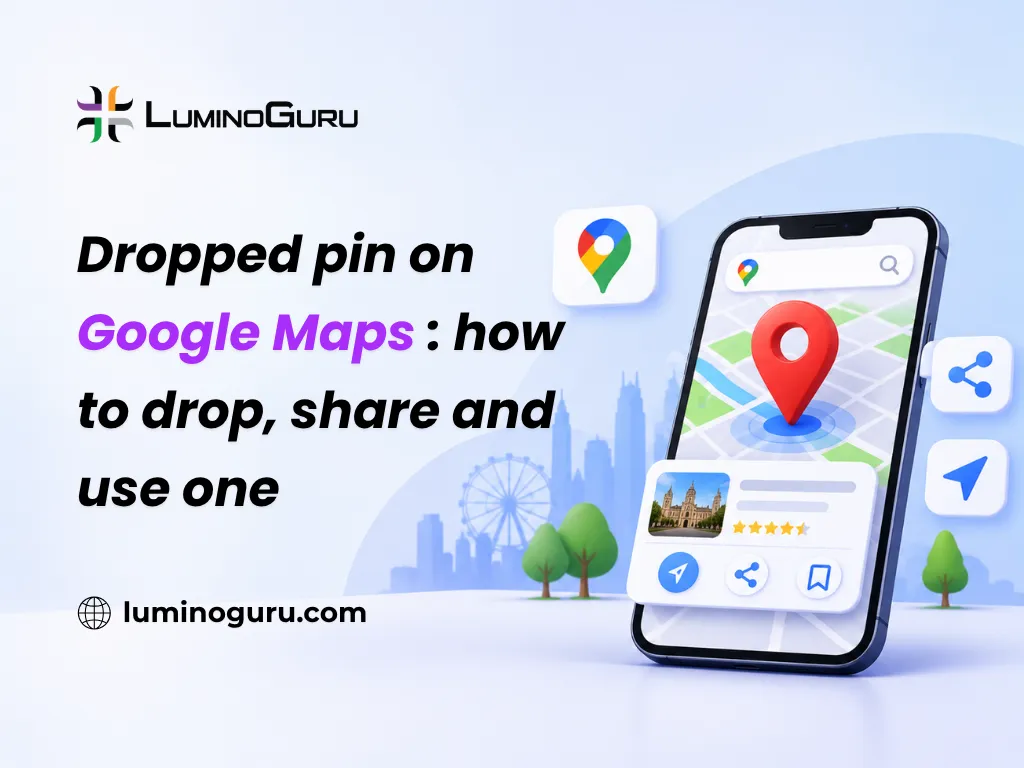
A dropped pin is a marker you place by pressing and holding any spot on Google Maps. It points to exact coordinates, so it works where no address or business listing exists. You can label it, save it, share it as a link, copy its coordinates and get directions to it.
What is a dropped pin on Google Maps?
It is a manual marker for a point you choose, not a listed place. Google Maps shows it as a red pin and often names it “Dropped pin” because no business or verified address is attached.
That label is not an error. It only means you picked a point on the map instead of a place Google already knows. Here is how it differs from the other ways to find a location.
| Method | What it is | Stays on your map? |
|---|---|---|
| Search result | A place from Google’s database, with a name and address | No, unless you save it |
| Dropped pin | A point you choose by pressing on the map | No, unless you label or save it |
| Saved place | A place or pin you added to a list such as Favorites or Want to go | Yes |
| Labeled place | A place or pin you gave your own name | Yes, under Saved, then Labeled |
How do you drop a pin on Android and iPhone?
Open Google Maps, zoom in, then press and hold the exact spot until a red pin appears. A card opens at the bottom of the screen with options such as Directions, Save, Label and Share.
- Open the Google Maps app.
- Move the map and zoom in as far as is practical.
- Press and hold the spot. A quick tap does nothing, so hold until the pin drops.
- Tap the card at the bottom to see details.
On Android, the coordinates show in the search box. On iPhone and iPad, you find them on the place sheet. The layout changes between app versions, so look for two numbers separated by a comma.
How do you drop a pin on a computer?
Click the spot on the map. A gray dot appears, and a small box at the bottom of the screen shows its GPS coordinates. Click that box to open the full panel with Save, Label and Share.
Right-clicking works too. It opens a menu with the coordinates at the top (click them to copy), plus “Share this location”, “Directions from here” and “Directions to here.” Use right-click when you only need the coordinates or a quick route and do not want to save anything.
How do you share a dropped pin so someone finds the right spot?
Tap Share on the pin card and send the link through WhatsApp, SMS, email or any app. The other person opens the link in Google Maps and sees the exact point.
A few habits make the handoff work:
- Send the link, not a screenshot. A screenshot cannot give directions.
- Add one landmark in your message, such as “gate 3, next to the water tank.”
- For a driver or courier, send the pin first and call only if they get stuck.
- For a moving target, such as a friend arriving by bus, use live location sharing instead. In the app, tap your profile picture, choose Location sharing, then pick how long to share.
Think about privacy before you send a pin of your home. Anyone who gets the link can open it and forward it, so share it with people you trust.
How do you save or label a dropped pin?
Tap Save to add the pin to a list, or tap Label to give it your own name. Do one of these straight away, because an unsaved pin disappears when you tap elsewhere on the map.
Save puts the pin in a list you pick, and you can add a note. A label is a private name such as “Dad’s farm gate.” Google says labeled places show up on your map, in search suggestions and in Google Photos. They are private to you. On mobile, find them under Saved, then Labeled.
You can only hold one dropped pin at a time. To keep many points, label or save each one as you go. If you need a whole set, such as a delivery route or a trip, build a custom map in My Maps. Each custom map can hold up to 10,000 lines, shapes or places. You create maps on desktop and can view them in the mobile app.
How do you find the coordinates or Plus Code of a dropped pin?
Drop the pin, then read the numbers on the card. On a computer, right-click the spot and click the coordinates to copy them.
Coordinates have two numbers, latitude first and then longitude, for example 28.6139, 77.2090. Google says latitude must be between negative 90 and 90, and longitude between negative 180 and 180. A positive latitude is north and a positive longitude is east. Paste a pair into the search box and Maps drops a pin there.
A Plus Code is a shorter option. It is a short code of 6 or 7 letters and numbers plus a town, built from the same coordinates. Google gives this example: X4HM+3C, Cairo, Egypt. On the phone app, drop a pin, tap the “Dropped pin” panel, and find the code beside the Plus Code logo. It is handy when you must say a location out loud or type it into a form.
When is a dropped pin better than an address?
Use a pin when an address is missing, wrong or too broad. A pin is the better tool in these cases:
- A new colony or building that Google has not mapped well.
- A farm, plot, campsite, trailhead or viewpoint with no street name.
- A large park, campus, mall or station where the meeting gate matters more than the building.
- A building with several entrances, where you want the one your guest should use.
- A temporary spot, such as an event ground or a site office.
Do not use a pin when a proper business listing exists. A listing carries opening hours, phone number, reviews and photos, and a pin carries none of them. Also, do not rely on a pin in an emergency. Call your local emergency number first and share your live location if you can.
How accurate is a dropped pin?
It is as accurate as the spot you press, so zoom in before you drop it. Your phone’s GPS affects the blue dot that shows where you are. It does not move a pin you place by hand.
To place it well:
- Zoom in until you can see the gate, door or path you mean.
- Switch to satellite view in the Layers menu if the street map is unclear.
- Check the coordinates against a landmark, then compare what the other person sees on their screen.
- For a building, pin the entrance and not the middle of the roof.
If the pin is a few metres off in a dense area, drop a new one at the right spot rather than explaining the gap in words.
Why is my dropped pin not working?
Most problems come from a quick tap, an unsaved pin or a different screen layout. Use this table to find the fix.
| Problem | Likely cause | Fix |
|---|---|---|
| No pin appears | You tapped instead of holding | Press and hold until the red pin drops, and update the app |
| Pin vanished | It was unsaved and you tapped elsewhere | Drop it again, then Save or Label it |
| Cannot find a saved pin | It sits in a list or in Labeled | Open Saved and check Lists and Labeled |
| No coordinates visible | Layout differs by device | Android: look in the search box. iPhone: open the place sheet. Desktop: look at the box at the bottom |
| Friend sees the wrong place | You sent a screenshot or a vague name | Send the Share link, and add a landmark |
| Pin sits on the wrong building | Dropped at a low zoom level | Zoom in and drop it again |
How do you remove a dropped pin?
If the pin is unlabeled, tap anywhere else on the map or close the card. It disappears. If you saved it, remove it from its list. If you labeled it, open Saved, then Labeled, find the place and delete the label.
Should a business rely on a dropped pin?
No. A dropped pin is good for a one-off meet-up, but customers cannot find reviews, hours or a phone number from it. If you run a shop, clinic or office, create and verify a Google Business Profile so your place appears as a real listing. Share your listing link with customers, and add a dropped pin only for a hard-to-find side entrance or a pickup point.
FAQs
Can others see my dropped pin?
No, not unless you share it. A dropped pin and any label you give it are private to your account. Once you send the link, anyone who has it can open that location and forward the link to others.
Does a dropped pin stay on the map?
Not by default. An unlabeled pin disappears when you tap elsewhere. Save it to a list or give it a label, and it stays in your account, so you can find it later under Saved.
Can you drop more than one pin?
Google Maps holds one dropped pin at a time. To keep several, save or label each one. For a full set of places, create a custom map in My Maps, which allows up to 10,000 lines, shapes or places per map.
How do you get the coordinates of a dropped pin?
Drop the pin and read the latitude and longitude on the card. On a computer, right-click the spot and click the numbers to copy them. Latitude comes first, then longitude. You can also use the pin’s Plus Code.
Is a dropped pin more accurate than an address?
Often, yes, when the address is missing or points to the wrong gate. A pin marks the exact spot you choose. If a verified business listing exists, use the listing for its hours and contact details, and add a pin only for the entrance.
Can you use a dropped pin for deliveries and meet-ups?
Yes. Send the Share link, add a landmark in your message and keep the phone handy. For a person on the move, use live location sharing. For a courier, a pin at the gate works better than a long address.
What to do next
Zoom in, press and hold, then label or save the pin before you share it. Add a landmark to your message, and send the link instead of a screenshot. If you run a business and want help getting found on Google Maps and in local search, you can talk to the Luminoguru team.